I have a thing with computer keyboards. My M4 iMac came with a Bluetooth keyboard. The problem with it is that it has what are commonly known as “chiclet keys”. Those are the low profile keys that operate on a very soft touch. Apple uses these keys on all their keyboards. I learned how to type on a typewriter. Yes, I know I am showing my age, but typing on a typewriter requires some finger strength. I just have too much finger strength for those “chiclet keys”. I much prefer a “mechanical keyboard”. The keys have more travel, you have to “long press” them to make them work.
Because of my preference for mechanical keyboards, I have acquired quite a few over the years. You could call it a keyboard addiction. The mechanical keyboards I have tried have been corded. They connect to the computer with some type of USB cord; until now, that is.
I just bought a Macally Bluetooth mechanical keyboard. Here is what it looks like.
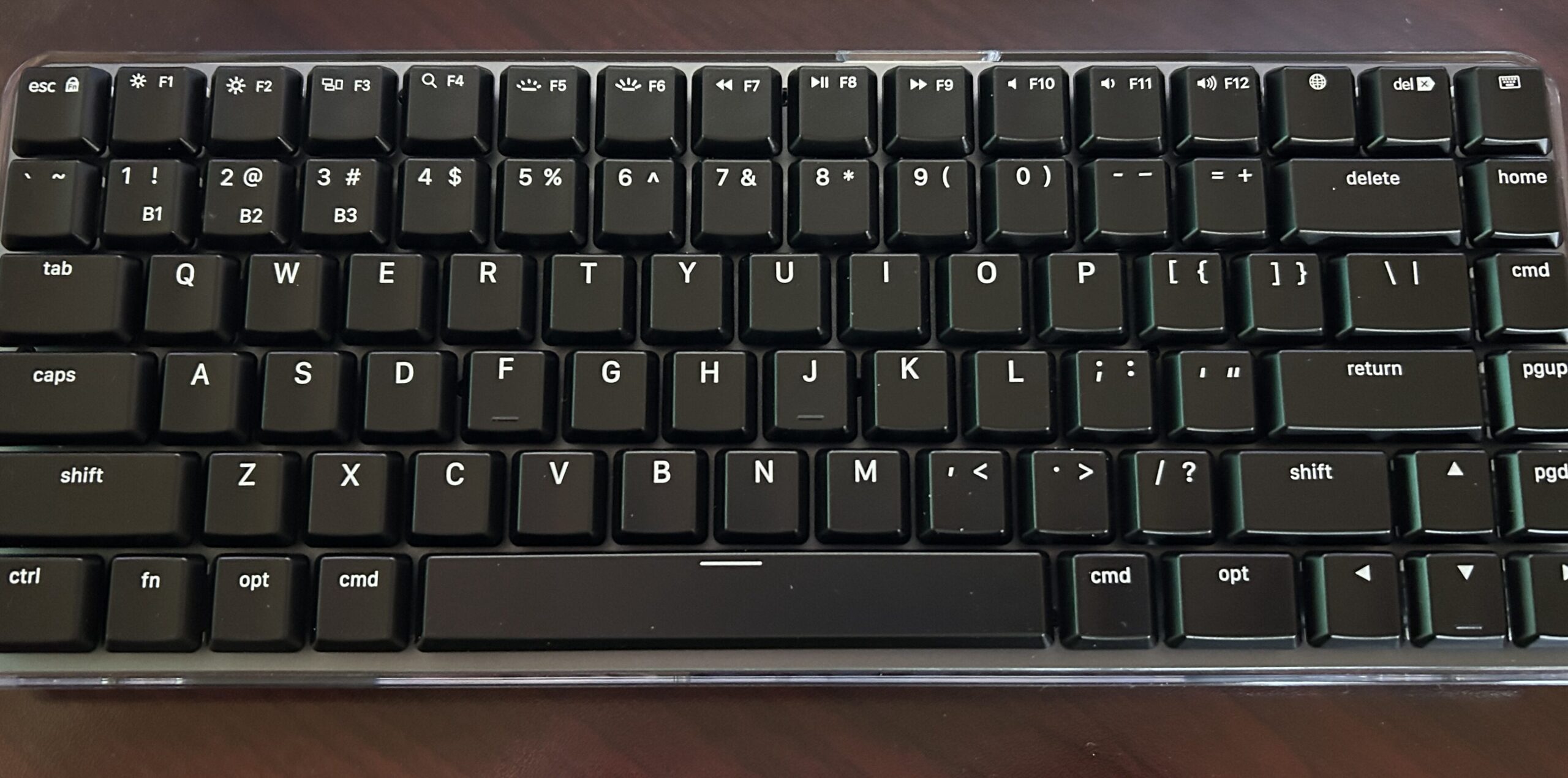
All of my previous keyboards have the numbers, 104 key layout. This is a truncated keyboard without the numbers pad. It is a bit cramped, but it does save space on my workstation desktop.
This keyboard is going to take some getting used to because of its smaller footprint. It does have “Blue mechanical key switches” which are very nice. They are a little clicky for a closed office space, but just fine for my home office. One thing it has that I consider a necessity is backlit keys. My office is a little on the dark side, so backlit keys are very helpful. Oh, I forgot to mention, the keyboard connects via Bluetooth, no cords! It is supposed to last for a couple of months on one charge, we will have to see how that works.
All things considered, I really like it so far. If my opinion changes about this keyboard, I will let you know.
Doug