If you use a Windows OS computer, you know you need some type of Virus/Malware protection. There are tons of viruses and malware on the Windows side of the isle. In the old days, most Mac users believed they did not need any type of virus or malware protection. That is no longer the case. If you use a Mac, I highly recommend you have some type of virus and malware protection running on your machine.
There are several virus protection Apps available for macOS. Some of them are free and some are paid for software. Whatever you do, get something going on your Mac. The days of no virus and malware protection on macOS are totally over.
I have used a great paid for App called Virusbarrier X9 by Intego for years. It is a Mac only App and it is really excellent. The Intego people deliberately make Virusbarrier simple to use. You just have a few settings, and you are off and running.
Virusbarrier X9 is actually a suite of Apps. Here is the Virusbarrier main window.
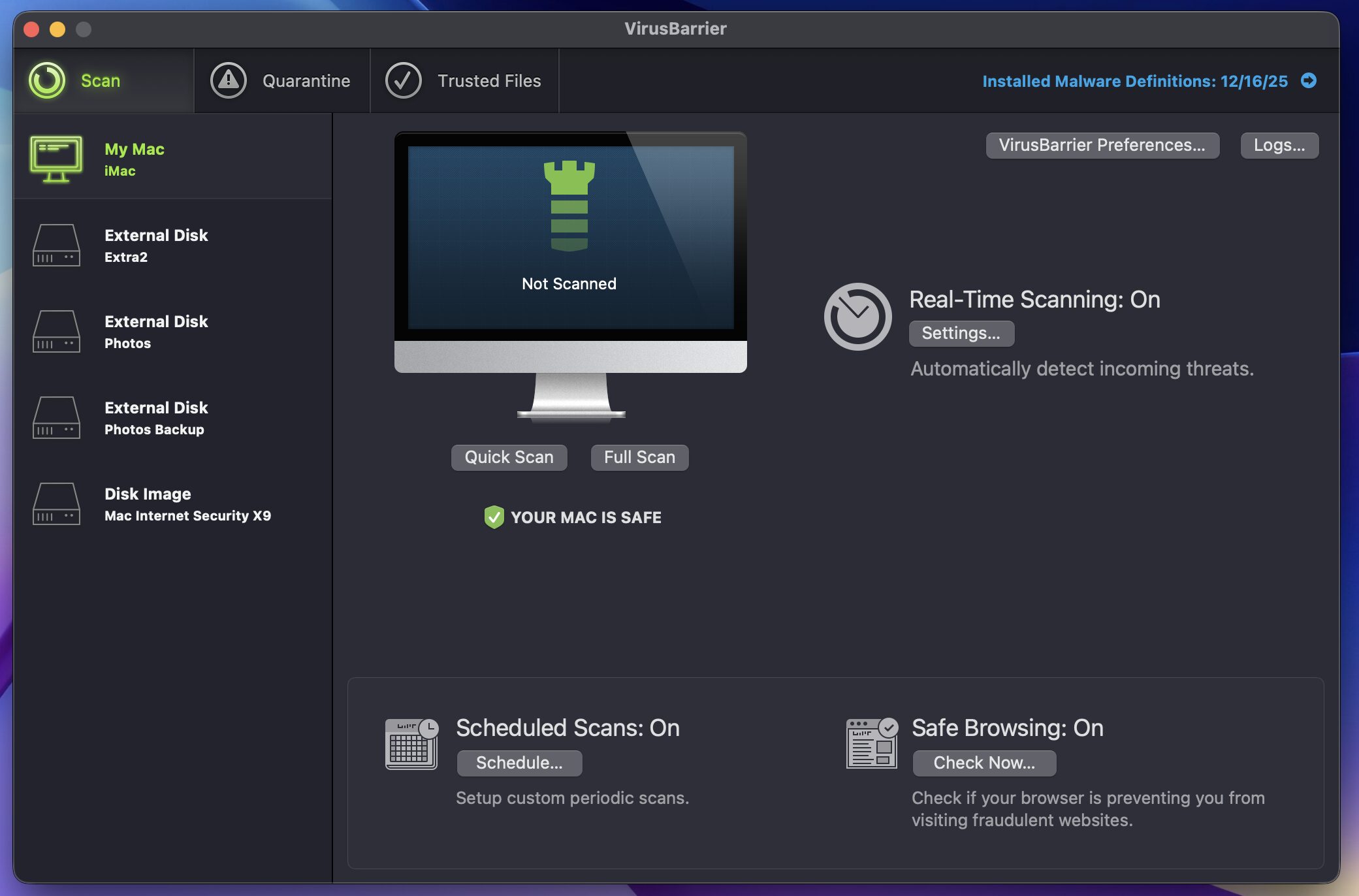
All you have to do is tweak a couple of settings, and Virusbarrier is working. Virusbarrier scans for 99% of all known viruses and malware.
The second part of the Virusbarrier X9 suite is an App called Netbarrier. It is a very straightforward firewall. Here is the main window of this App.
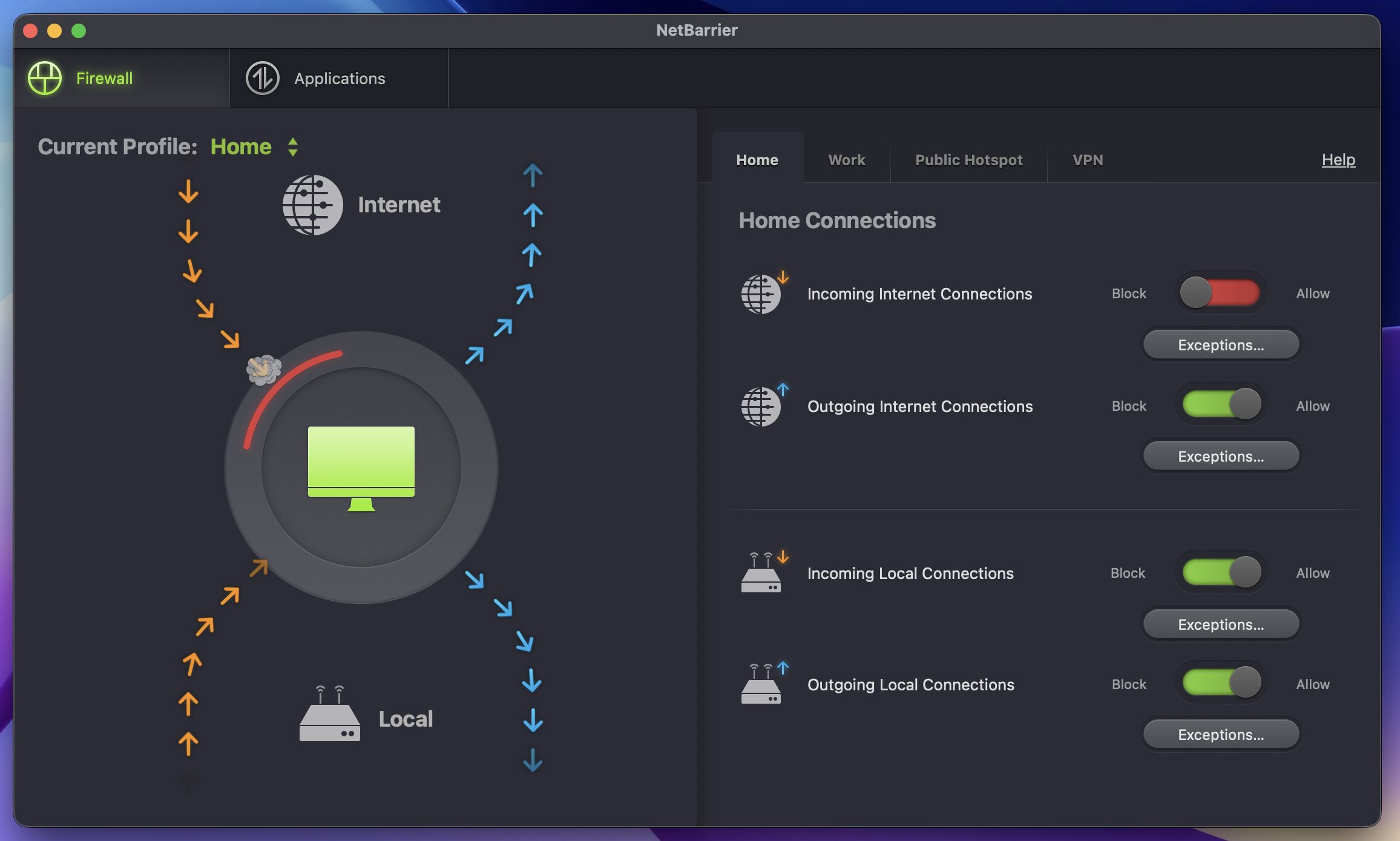
Basically, Netbarrier blocks all “Incoming” Internet type traffic on your computer. It allows all “Local” traffic, but you can turn that off as well if you wish. There is some training to do here. Netbarrier will ask you to allow certain Apps to interact with the Internet. All you have to do is approve them once, and you are good to go.
All you have to do after installing Virusbarrier X9 is “set it and forget it”. It just runs in the background. Yes, Virusbarrier X9 costs money. It is $39 for a year subscription. But, if you are serious about this type of protection, it is worth every dime.
Doug