I have had several iMac computers for several years. I have been running a M4 iMac for about a year. It is a great machine, superfast. I also run the Linux OS on other computers for fun, but the Mac is my main workflow machine.
If you figured I am a bit of a computer nerd, you would be right on the money. I have eight external hard drives connected to the Mac. Each one is used for a different purpose. Some just provide extra storage. Others are used for backing up my stuff on the Mac. Still others are for special projects. There are other devices connected to the Mac as well. The Mac has limited connection ports, so most of these devices plug into a dock, which then connects to the Mac.
If you think about it, you might come up with the idea that there might be a bunch of cables back behind the Mac. There sure are! Besides the drives and devices, there are network cables as well. This is what that looks like:
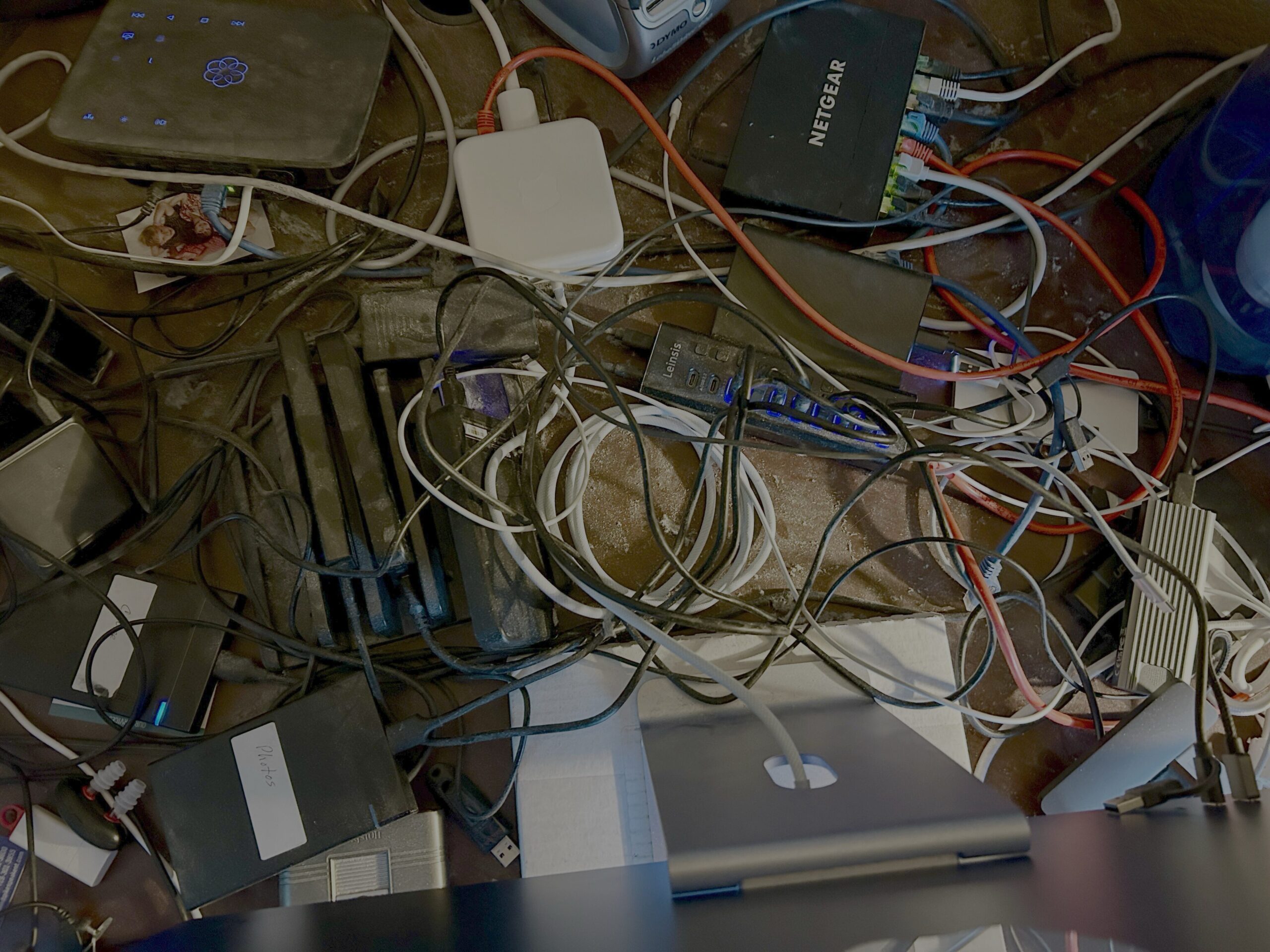
You are looking down behind the Mac. I know that is pretty bad. Yes, there is a little dust too! So, I set out on a cable (and dust) cleanup.
The first thing was to shut down and completely remove the iMac out of the way. Once that was done, I disconnected all devices from the USB hubs (docks). Initially, I ended up locating and throwing away a few things that I have not used for years. There was some computer junk back there, which is now gone.
After doing some cleanup and junk removal, I used cable ties to connect like devices. All the hard drives are connected and sitting in hard drive trays. Several USB-A and USB-C cables are now joined with a Velcro cable tie. Some network cables were rearranged. This is what that area looks like now:
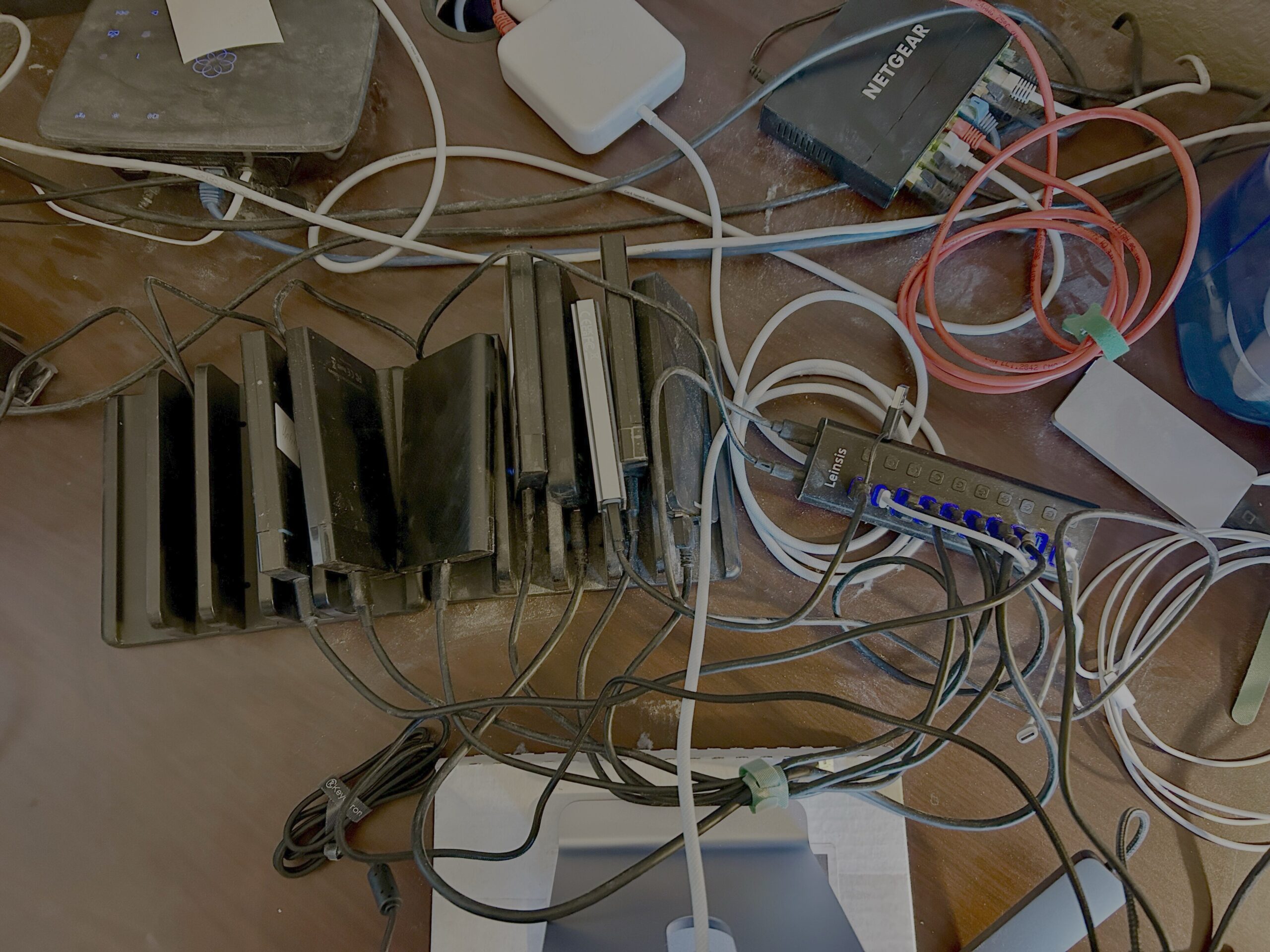
Looking down behind the Mac is a little better. I know it is still not the greatest, but I think there is improvement. There is more work to be done, especially with network cables. But, the drives are in the drive trays and many other cables have been tidied up.
The fact of this cable mess is my fault. I get busy and throw stuff together to try things or to get some project done. From now on, I am going to take a little more time to cable things properly as I go along. That should help avoid a mess like this in the future.
Doug