If you’re a regular web surfer, you’ve probably got a ton of bookmarks. But managing all of them can be a real pain. It’s like trying to find a needle in a haystack.
There are apps that help you manage your bookmarks. You can import your current bookmarks into the app, set up categories, folders, and other ways to organize them. These apps are pretty useful, but I think just managing your bookmarks in your favorite web browser is almost as good and doesn’t cost any money. It does take a bit of time, though.
It’s a good idea to regularly go through your bookmarks and delete any that you no longer use. Google Chrome is the most popular web browser these days. In Chrome, click on “Bookmarks” in the menu bar and select “Bookmark Manager”. You should see a window like this in your browser:
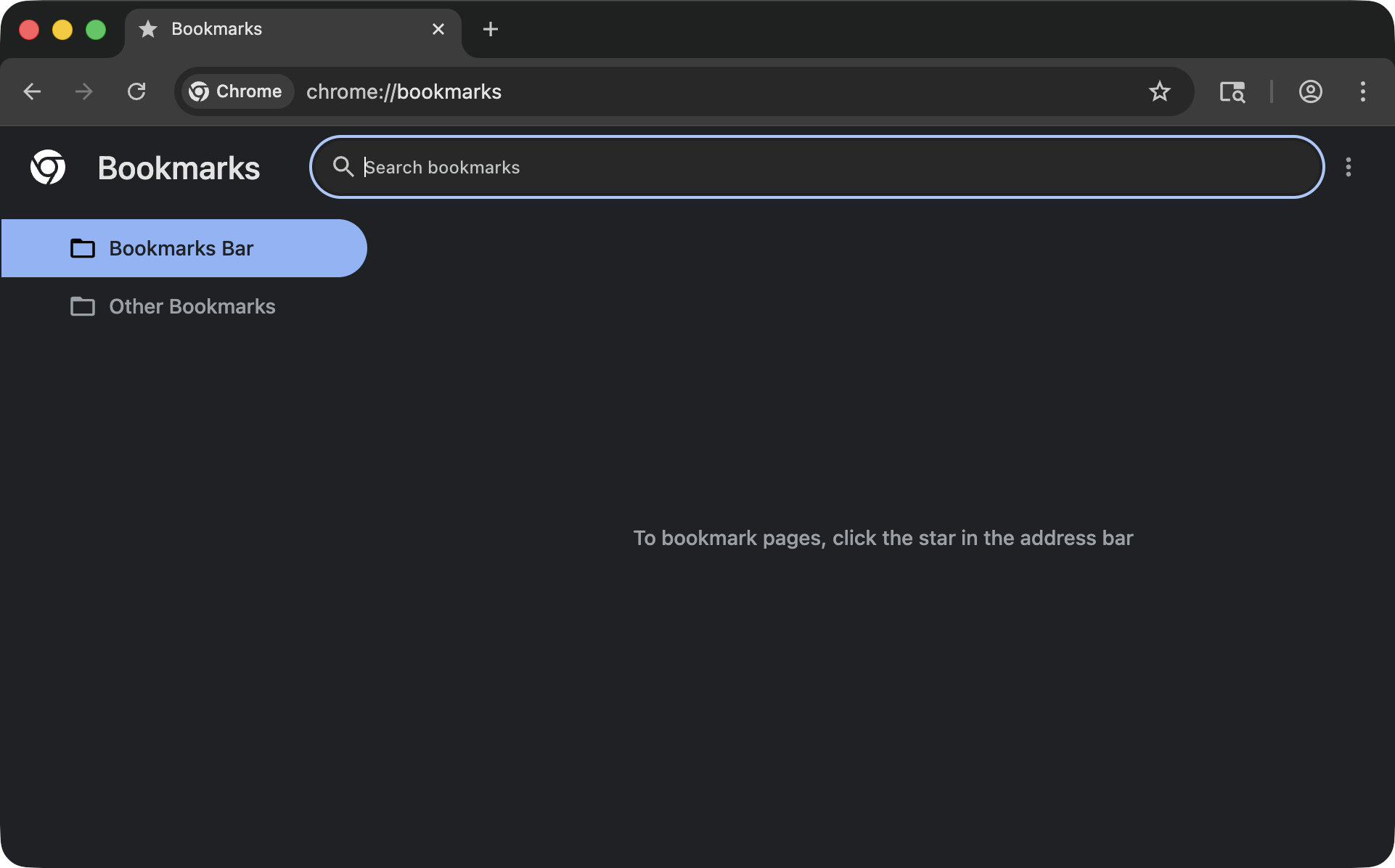
The bookmarks are listed on the left side of the window. I don’t use Chrome often, so I don’t have many bookmarks. But, you’ll probably have a ton of them listed down the left side. Just click on the little dots to the right of the website address and select “Delete.” You can also Shift-Click several sites to delete a bunch at once.
If you’re on macOS and using Safari, the process is the same. Click on “Bookmarks” in the menu bar and then select “Edit Bookmarks.” You’ll see a list of bookmarks that looks like this:
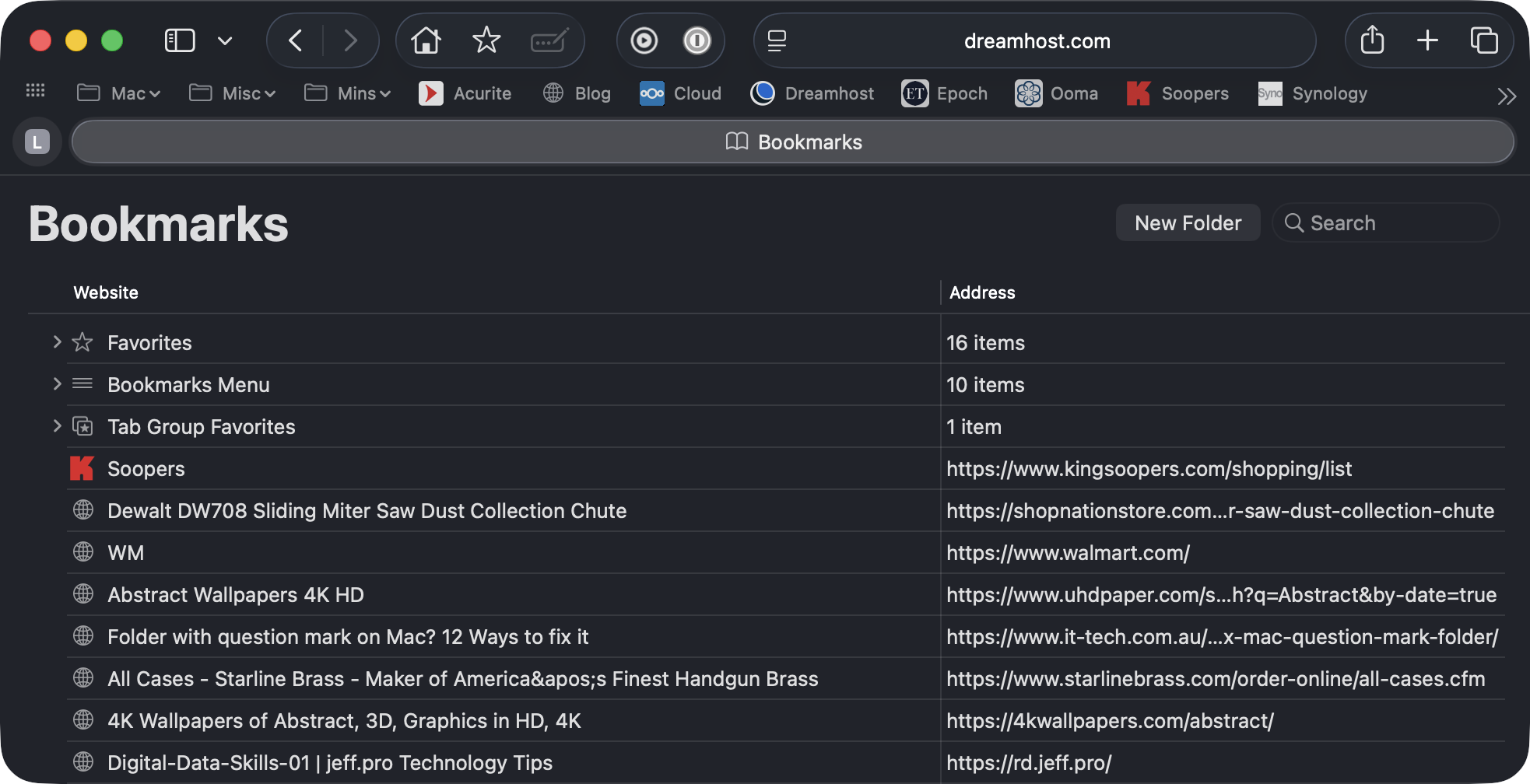
My list is way longer than this, but I cut the image short for simplicity. Click on a bookmark and press the “Delete” key on your keyboard, and it’s gone! You can also Shift-Click to select multiple bookmarks at once.
You won’t regret taking the time to organize your bookmarks. It’ll make finding things a breeze in the future!
Doug