In a previous article, I mentioned that I returned to the macOS platform because I like using database programs. There are sophisticated database programs online these days, but I prefer to keep my information on my computer, not someone else’s.
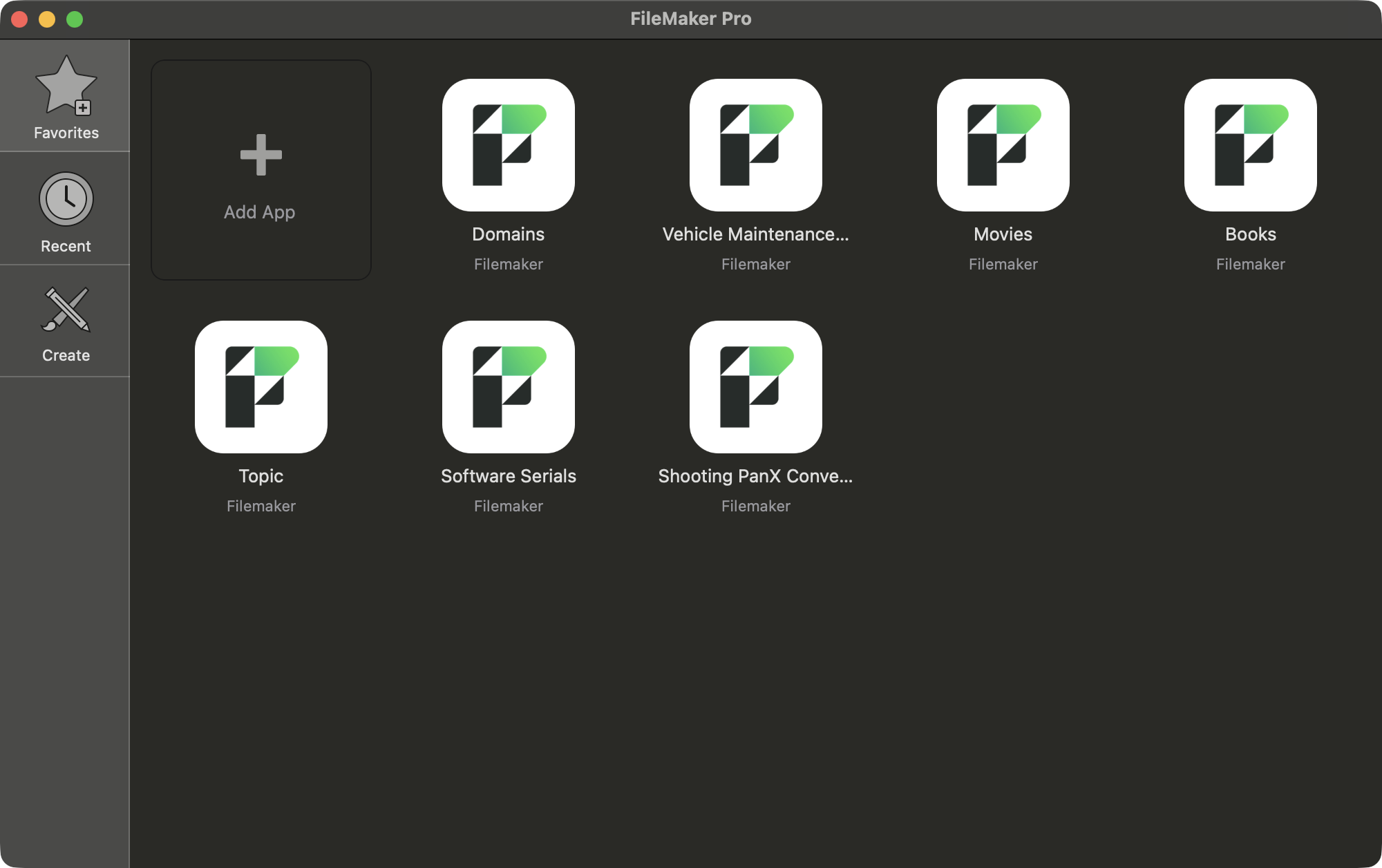
There are several database Apps in the macOS environment. FileMaker Pro from Claris Software and Panorama from Provue Development are the most powerful and probably the most popular. I use them both, but they have their strengths. Here is what the FileMaker Pro start window looks like.
Panorama is more powerful when it comes to scripting and adding code to a database. I only use this capability occasionally. I am not good at scripting and coding. It has more functionality at manipulating data. FileMaker Pro is more powerful at designing database forms. They refer to them as applications. In a way, they do function like a standalone App. FileMaker Pro is not as powerful for scripting, although it does have that capability. It is really great at designing an App frontend for a database. If I want to manipulate data, I use Panorama. If I would like to design a great form frontend for a database, I use FileMaker Pro.
Primarily, that is what I do with these Apps. I design forms for the data in the database. I have databases for Movies, Vehicle Repairs, Software Programs and several others. Some of these databases are just a list, others have many forms that I have created to display the data.
The average computer user probably uses an Excel spreadsheet for a database these days. There is some database functionality in Excel, but it does not possess the tools to do serious work with database files.
My databases are fairly simple. They may have a bit of scripting, but not much. I am glad to have these Apps to interact with the data. I thoroughly enjoy it.
Doug